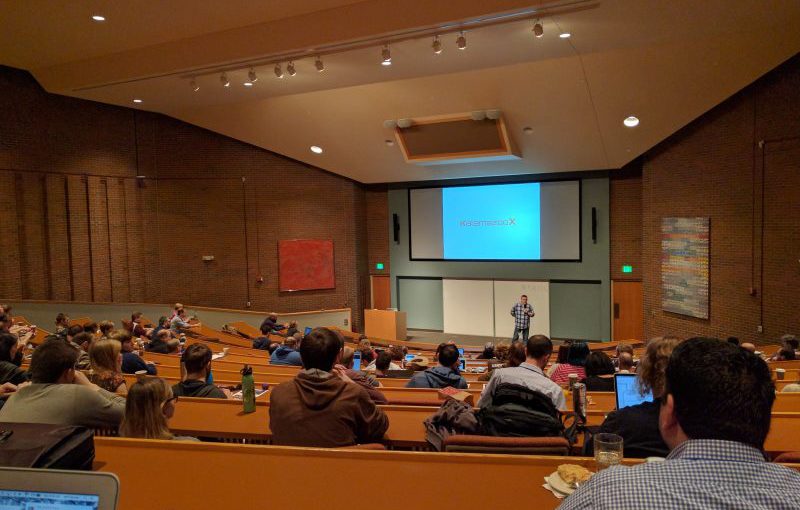
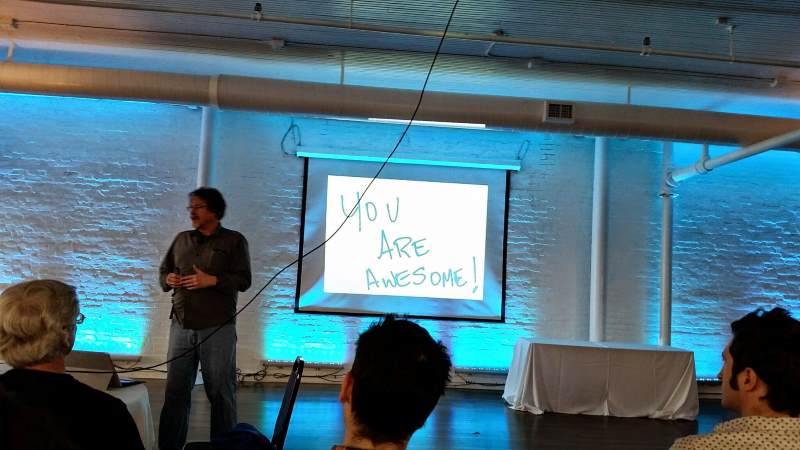
On Saturday (29th Oct), I attended the Ann Arbor Day of .NET. I thought it would be nice to summarise what I heard. I doubt these notes on their own will be greatly useful, but I hope they act as a launch pad into deeper dives on the topics covered as well as a review of what topics were covered. There were five different tracks for the day: Cloud, Framewords & Platforms, Soft Skills, Tools and Mobile. I chose talks from the first four of these based on the talk itself, rather than the track to which it belonged (I ruled out presentations that I had seen a variation of before such as David Giard's (@DavidGiard) Introduction to Microsoft Windows Workflow and Jay R. Wren's (@jayrwren) Let's Go to C# On The iPhone, though they were excellent when I saw them).
Be A Better Developer
I started out the with Mike Wood (@mikewo) and his session, Being A Better Developer. This was a soft skills talk, meaning it was not there to show off some cool .NET feature or technology, or teach me all about C#. Instead, the focus was on what makes a great developer and what we can do to attain that status.
Mike explored the various roles that developers have to take on, the hats we have to wear. From the student learning new things everyday, to teacher imparting knowledge to those around them. From janitor—maintaining what already exists, to researcher—investigating and choosing frameworks, languages, platforms, etc. Using these roles as a foundation, we then moved on to some tips such as setting up time blocks in which to work. If the time limit is reached and the problem isn't solved, turn to someone else for help (or somewhere else, like the Internet) to avoid thrashing and time wasting. This seems somewhat obvious and yet I'm betting that many of us don't do it as often as we should. The other tips were equally useful, obvious and often compromised in our daily development lives:
- organize
- prioritize
- know your tools
- set SMART goals
- be a catalyst for change
- be lazy…
Right, that last one is maybe a little less obvious, but the point wasn't: don't do more than you have to.
One of the best pieces of advice from this talk was to choose a good mentor. I was very fortunate when I started out my career to have several excellent mentors and I miss working with them almost every day. Even now, I imagine what they might have said in order to guide my efforts. For an hour, Mike filled that role.
There was much more to this talk than what I've written here. This session was an excellent way to spend an hour. While much of what Mike presented could be considered commonsense, it was reassuring and also provided some new tricks for my arsenal to be deployed in any situation, not just day-to-day software development.
Things to check out after this talk
How I Learned To Love Dependency Injection
Next, on to James Bender (@jamesbender) and his presentation on how he much loves dependency injection. This talk started out looking at the way things were and the ideas behind a loosely-coupled system; a system where each component knows as little as possible about the other components in its parent system, whether it uses the services those components provide or not. Tightly-coupled systems don't promote reuse, create brittle systems and are inherently difficult to test.
James told a compelling story, starting out with familiar concepts—a constructor that takes various interfaces through which the created object can obtain various services, the factory pattern, etc., but soon we were looking at an overview of dependency injection frameworks, what they do and how they do it.
And then, code. Code about cooking bagels. The only bad part about this was the lack of bagels to eat. The talk moved quickly on to the various features of Ninject, an open source dependency injection framework. I would've preferred it if there was more emphasis on dependency injection, using Ninject to provide examples, rather than the "how to use Ninject" approach that was given. However, this was still very informative and laid a path towards the next part of the talk which showed how dependency injection and TDD go hand in hand. This in turn led to an introduction of mocking (the mock framework of choice in these examples was Rhino Mocks, but James recommended Moq for new work).
Things to check out after this talk
A Field Guide for Moving to the Cloud
We're back with Mike Wood (@mikewo) for this one. I've never done any Cloud development but I'm really interested in it and what it may do for me and the work I do, so I'm hanging a lot on this introduction (no pressure, Mike).
Mike started off with a Batman reference, tying the reason why I'm so tired (Batman: Arkham City) with the reason why I'm here. He then fired off some acronyms: IaaS, SaaS, PaaS. This is a great starting point for me as terminology is often the last refuge of miscommunication and I hate not understanding what all those acronyms and terms mean. One participant immediately asked, "What's the difference between IaaS and PaaS?" and most of us nodded, realising we didn't know either. To paraphrase, IaaS gives the most control as you're responsible for patching your OS, upgrading the frameworks, etc. PaaS manages all that for you. Mike did a great job explaining this (unlike my paraphrasing—Mike used a whiteboard and everything) and we moved on, that bit more informed and ready to learn more.
At this point, Mike gave us a run through of the Windows Azure platform, again making sure we're all talking the same language as the presentation progresses. Mike's presentation style is nice and fluid, taking questions and interruptions in his stride, and he clearly knows his topic well (Mike is an Azure MVP, after all). He walked us through the various parts of Windows Azure, Microsoft SQL Azure and Windows Azure AppFabric before we moved on to planning for our move to the Cloud.
Mike discussed identifying suitable applications for moving to the Cloud, scale of the application and the independence of scale, the services used and tight integration with loose coupling (not the first time we've heard this today but I would hope, not the first time in our careers either, otherwise, you're doing it wrong), usage patterns, latency, security and many other facets to be considered when moving to the Cloud.
The final point related to whether the move would save money or not and the importance of answering that question before making the move. This kind of information was great to see and may prove very useful when talking with project managers or business development types. Mike also pointed out using techniques like multipurpose worker roles and disposable compute instances to save as much as 50% in costs.
And then it was lunch.
Things to check out after this talk
Develop IT: Intro to PowerShell
I admit it, I have only ever used PowerShell for things that I could've done from a regular command prompt, so this talk was one I didn't want to miss. I want to know more so I can do more. I feel like PowerShell is an exclusive club for productive individuals and I'd at least like to take a look inside, so this was my opportunity. Sarah Dutkiewicz (@sadukie) was the presenter for this session, a C# MVP and co-author of Automating Microsoft Windows Server 2008 R2 with Windows PowerShell 2.0. This talk was entirely presented using PowerShell, which certainly made it stand apart from other presentations given so far today.
The initial examples given by Sarah quickly demonstrated how PowerShell provides similar behaviour to the traditional command prompt but also how it is different, providing .NET objects (dir w* | Get-Member demonstrated how dir provides an object—very cool). We then learned all about the standard PowerShell syntax that provides an easily dicoverable set of commands (known as Cmdlets in the PowerShell world) and some useful Cmdlets like Get-Help and Out-GridView (which outputs things to its own filterable grid in a window).
Sarah continued introducing us to a variety of PowerShell concepts and features including but not limited to:
- functions
- modules
- manifests
- PowerShell ISE
- providers
- aliases
- registry interaction
My biggest takeaway is how easy it can be to work with the registry from within PowerShell (just open PowerShell and enter cd hkcu: then dir to see what I mean). Overall, a great introduction that has given me a starting point for exploring PowerShell and becoming more efficient.
Things to check out after this talk
Stone Soup or Creating a Culture of Change
For the final session of the day, I rejoined James Bender (@jamesbender). I was really looking forward to this having faced many challenges in changing culture as part of my efforts for meeting the requirements of CMMI. This was expected by event organisers to be a popular talk and I still feel that it should have been; however, the turnout was disappointingly low. This made for a more intimate session and certainly did not detract from the informative content. James expressed that this was probably the last time he would present this talk, which is a shame as I found the anecdotes and the lessons that were drawn from them to be very insightful.
The things I've learned will definitely help me in my work and elsewhere. Things like:
- Go for low hanging fruit
- Don't change too much at once
- Support the change and let it simmer
- Don't judge
- Know your tools
- Only introduce changes you believe in
- Understand the business
- Know when to say when
- Evangelize
- Build a network of like-minded people
- Be a politician
- Be a therapist
- Realise that it might be difficult to reach everyone
- When all else fails, buy doughnuts
- Be patient
There's not much more I could say about this talk that would do it justice (not that my notes have really given justice to the earlier talks), but suffice to say this presentation was very relevant to me and I am very grateful to have been able to see it.
Things to check out after this talk
To conclude, I had a great day. The organisers, sponsors and speakers deserve a huge "thank you" for setting up and supporting this event. Wandering the hallways of Washtenaw Community College, attending talks in rooms and lecture halls reminded me a little of being back at university, but the speed at which the day flew by certainly did not. It was a very informative and enjoyable way to spend the day and among the best $10 I've spent this year.